Modern Digital Save the Date Ideas: The Complete 2025/2026 Guide
Explore the best digital save the date ideas for 2025. Learn about Meadowcore trends, AR technology, and eco-friendly wedding planning tips from Nia Amari.
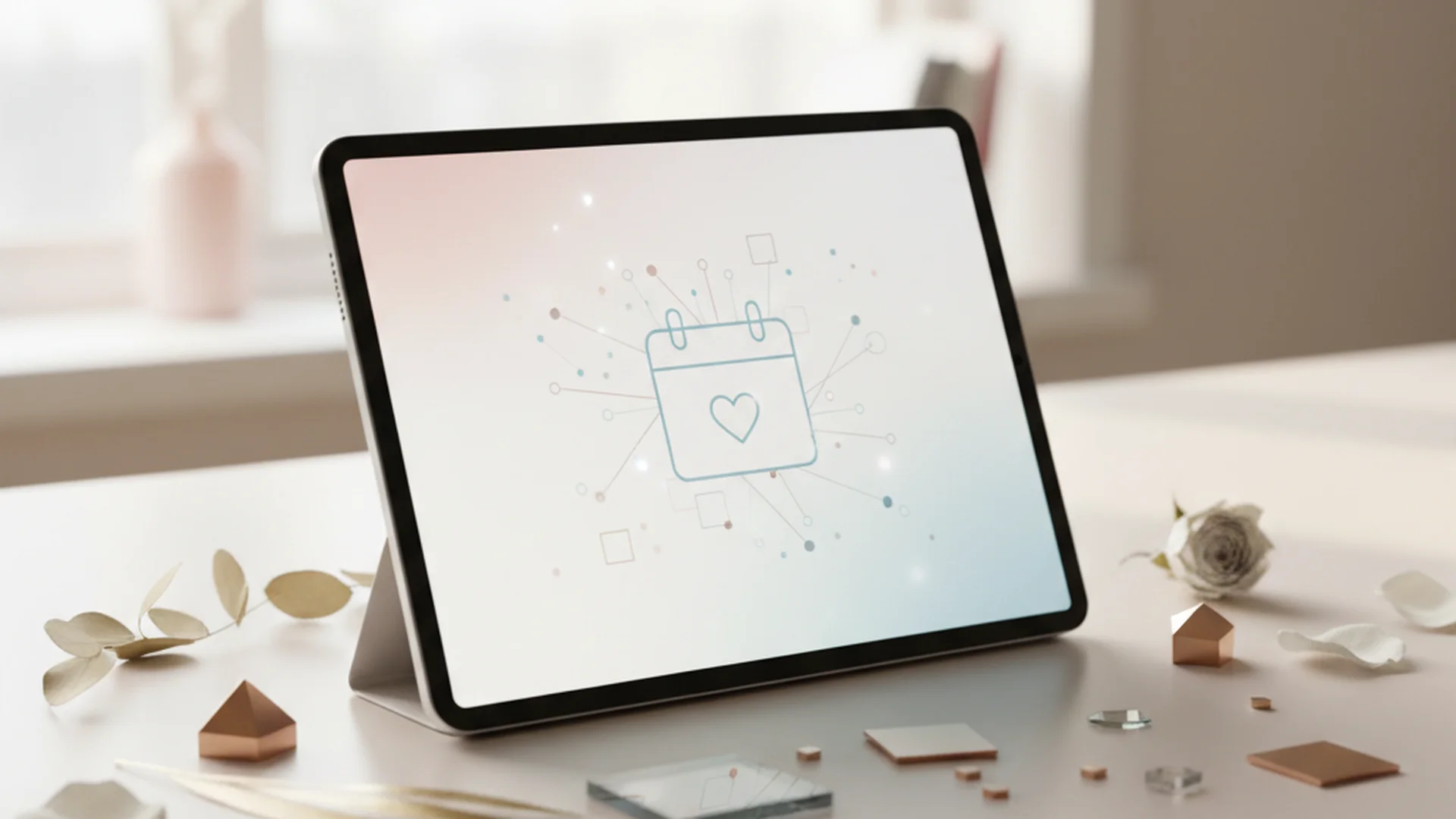
- Digital save the dates can save couples between $100 and $500 on average.
- Interactive elements like QR codes and one-click calendar syncing are now industry standards.
- 2026 trends are leaning toward "Meadowcore" aesthetics and bold maximalist colors.
Planning a wedding in the mid-2020s is an exercise in balancing timeless tradition with cutting-edge convenience. As couples look for ways to streamline their planning process while remaining eco-conscious, digital save the date ideas have moved from a "budget alternative" to a sophisticated, high-tech preference. In my work as a relationship counselor, I’ve seen how reducing the initial stress of logistics—like chasing down physical addresses or managing rising postage costs—can give couples more space to focus on what actually matters: their partnership and the blending of their families.
The shift toward digital is no longer just a trend; it is a fundamental change in how we celebrate. With the digital invitation market growing at an annual rate of over 15%, choosing an electronic "placeholder" for your big day is a smart, stylish, and sustainable move.
The Rise of the Digital Save the Date
Gone are the days when a digital notification was seen as "too informal" for a wedding. Modern etiquette for 2025 and 2026 has fully embraced the digital medium. Whether you are planning an intimate elopement or a grand black-tie affair, the "save the date" serves as a functional notification rather than a formal decree.
By opting for digital, you aren't just saving paper; you are gaining a level of interactivity that a physical card simply cannot provide. Imagine your guests being able to click a single button on their phones and instantly have your wedding date, venue, and hotel block information synced to their Google or Apple calendars. This level of guest-centric planning is the hallmark of modern hospitality.
Tip
Design Trends for 2025 and 2026
If you're looking for digital save the date ideas that feel fresh and intentional, you need to look at the upcoming aesthetic shifts. We are moving away from the "sad beige" minimalism of the early 2020s and into an era of vibrant expression.
1. "Meadowcore" and Dutch Florals
The 2026 wedding season is leaning heavily into nature-forward, wildflower aesthetics known as "Meadowcore." For your digital card, think "moody botanical" designs. We are seeing a surge in dark backgrounds (deep navy or forest green) paired with intricate, hand-painted floral illustrations that pop on a smartphone screen.
2. Bold Maximalism
If soft florals aren't your style, maximalism is making a huge comeback. This trend features:
- Vibrant Palettes: Cobalt blue, emerald green, and zesty oranges.
- Playful Typography: Oversized, 70s-inspired fonts or chunky serif typefaces that demand attention.
- High Contrast: Bright text on colorful backgrounds that ensure your names are the focal point.
3. The "Film Aesthetic"
Many couples are choosing to use unedited or "grainy" film photography for their digital save the dates. This gives a nostalgic, intimate feeling to the notification, making it feel less like an advertisement and more like a personal note from a friend.
Note
The Tech-Savvy Couple’s Toolkit
To execute these ideas, you need the right platform. Sending a mass BCC email from your personal Gmail account is a recipe for disaster—it will likely end up in spam folders, and you'll have no way to track who has seen it.
| Platform | Best For | Key Feature |
|---|---|---|
| Paperless Post | High-end Design | Animated "envelope" opening experience |
| Zola | Integration | Direct sync with your wedding website and registry |
| WithJoy | Customization | Built-in RSVP tracking and guest messaging |
| Canva | DIY Couples | Total creative control over every pixel |
Using these professional platforms ensures high deliverability and provides you with a dashboard to see exactly who has opened the email. This is incredibly helpful for the "follow-up" phase of planning. If you're still in the early stages of organizing your finances, you might want to use a (Marketing) - Tools - Wedding Budget Calculator to see how much of your stationery budget you can reallocate to other areas by going digital.
Interactive Elements: The "Wow" Factor
The true advantage of digital save the dates is the ability to use technology to engage your guests.
QR Codes and One-Click Syncing
Nearly half of modern couples now use QR codes. Even in a digital format, a "Scan Me" button or a clear "Add to Calendar" link is essential. This allows guests to instantly populate the event in their calendars with the venue location pre-filled.
Augmented Reality (AR) Invites
For the truly tech-forward couple, AR is the next frontier. Imagine your guests opening an email, clicking a link, and seeing a 3D animation of your floral arrangements or a personalized video message from you and your partner popping up on their screen.
AI-Personalized Messaging
New tools allow you to use AI to generate short, custom notes for different segments of your guest list within the same design template. Your college friends might see a message about "getting the band back together," while your extended family sees a more sentimental note about "cherishing traditions."
Do this
The Etiquette Blueprint: When and How
Even with the convenience of technology, etiquette still matters. The timing of your save the date is crucial for ensuring a high attendance rate.
- Local Weddings: Send 6 to 8 months in advance.
- Destination Weddings: Send 10 to 12 months in advance.
When it comes to wording, keep it simple. You only need four pieces of information:
- The couple's names.
- The date.
- The general location (City, State/Country).
- A note saying "Formal invitation to follow."
For specific phrasing ideas, you can check out our guide on Save the Date Wording Examples.
Heads up
From the OurVows workspace
Sorting out invitations?
Track who's invited, who's replied, and what they need — with digital invites and RSVPs built in.
Three Real-World Examples
To help you visualize these digital save the date ideas, here are three ways modern couples are implementing them:
Example 1: The "QR-First" Couple
Sarah and Mike wanted to save money for their honeymoon. They created a vibrant, maximalist digital save the date using a bold cobalt blue background. It featured a large QR code that, when scanned, took guests directly to their 12 Month Wedding Planning Checklist landing page where they had already listed hotel blocks.
Example 2: The International Traveler
For their wedding in Italy, Elena and David sent an AR-enhanced digital card. When guests clicked the "Experience the Vision" button, a drone video of the Tuscan villa played, followed by a link to Destination Wedding Invitation Wording tips for those traveling from abroad.
Example 3: The Eco-Conscious Minimalists
Focused on sustainability, Jamie and Alex used a "Meadowcore" design with zero animations to keep the digital file size small (reducing the carbon footprint of the email server). They included a direct link to their Complete Guide to Wedding Invitations to explain why they chose a paperless route.
Common Mistakes to Avoid
While digital save the dates are efficient, there are a few pitfalls that can cause stress for both you and your guests.
- Treating it like a flyer: Your save the date is a guest’s first impression of your wedding. Avoid using generic clip art or "flyer" aesthetics. It should feel like a cohesive part of your wedding brand.
- Overloading information: Do not include the full itinerary or a detailed map yet. Save that for the wedding website or the final invitation.
- Ignoring the "Plus-One" clarification: To avoid awkward conversations later, address the digital card specifically. If the email is sent to "The Smith Family," it implies everyone is invited. If it’s sent only to "John Smith," it signals a solo invite.
- The "One-and-Done" Myth: Just because you sent the email doesn't mean your work is over. Digital messages can be buried. If a guest hasn't opened the email after two weeks, follow up with a friendly text.
Managing the Tech Gap
As a relationship counselor, I often advise couples on how to navigate family dynamics. One common concern with digital save the date ideas is how to handle older, less tech-savvy guests.
Tip
Frequently asked questions
Are digital Save the Dates too informal?
Do I still need to send paper invitations later?
How do I collect email addresses?
What if the email goes to the guest's spam folder?
Conclusion
Choosing digital save the dates is a powerful way to start your wedding journey with efficiency, style, and sustainability. By embracing 2026 trends like Meadowcore or Bold Maximalism and utilizing interactive tools like QR codes and calendar syncing, you ensure your guests are well-informed and excited for your big day. Remember, the best digital save the date ideas are those that reflect your unique personality as a couple while making the experience as seamless as possible for your loved ones.
Do this
Ready when you are
Ready to Start?
Organize your wedding timeline and guest list with our expert tools.
Ready when you are
Plan your wedding without the chaos.
Free forever for couples just getting started. Two minutes to set up. No credit card.
Keep reading
Mastering Wedding RSVP Card Etiquette: The 2025-2026 Guide
Navigate wedding RSVP card etiquette with ease. Learn about deadlines, modern wording trends, QR codes, and how to handle guest follow-ups for 2025 and 2026.
The Ultimate Guide to Casual Wedding Invitation Wording
Discover modern and creative casual wedding invitation wording ideas for 2025-2026. Learn how to set the tone for your relaxed celebration with our expert guide.
Creative Wedding Table Number Ideas for 2025 and 2026
Explore functional and stylish wedding table number ideas to guide your guests. From eco-elegant materials to 3D designs, find the perfect fit for your big day.